Typing Japanese station names in romaji
Most Japanese computer users type the sound of a word in Latin letters and let the software turn it into kana and kanji. That is how this game works too.
October 1, 2026 · 2 min read
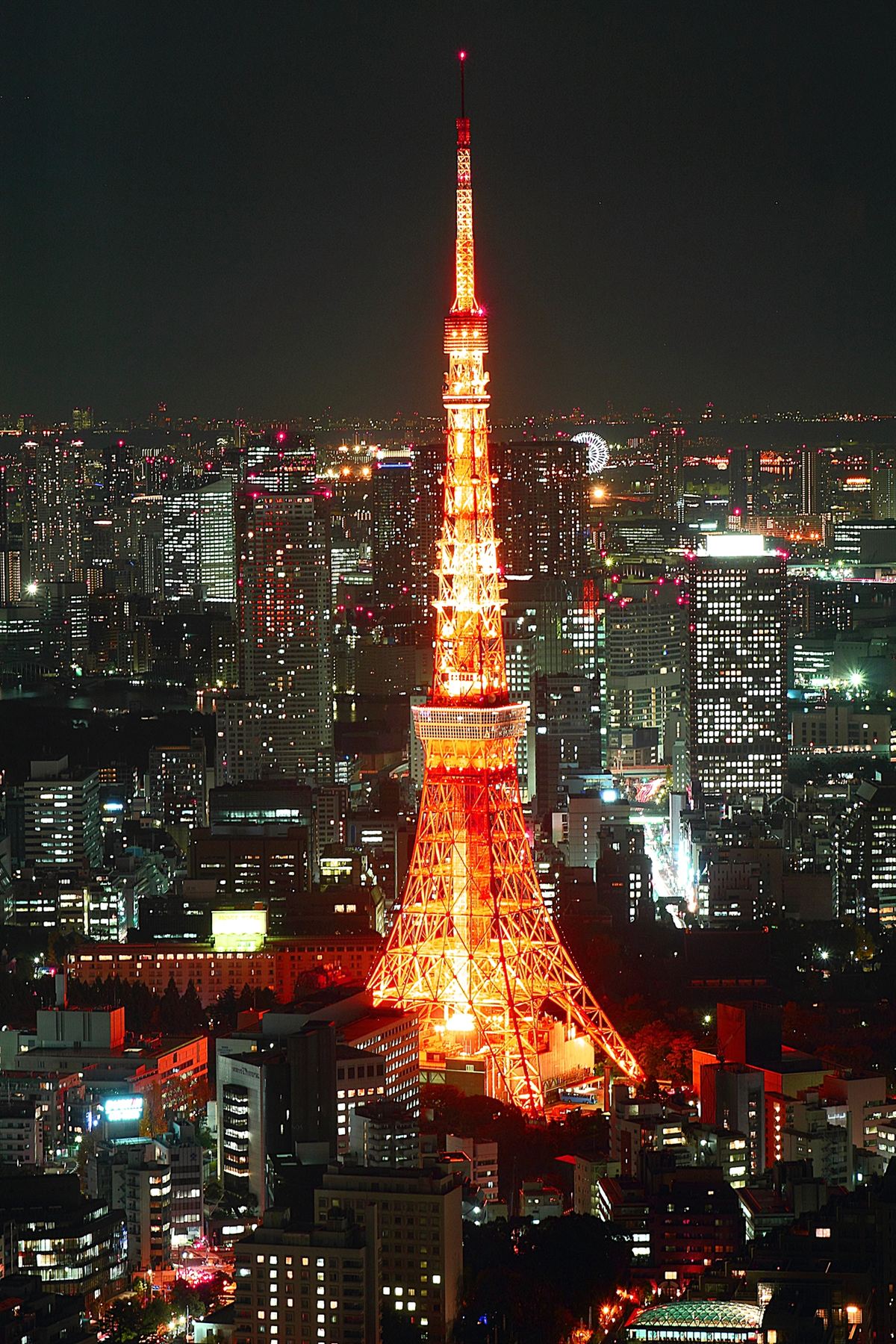
On a desktop computer, the large majority of Japanese users type in romaji: they press the keys for the sounds, and the input method converts them into kana and kanji. Surveys cited by language-learning sites put the share at around 90 percent, which is a big change from the 1990s, when typing kana directly was the norm. On phones the picture is different. A 2022 survey of 2,400 smartphone users by Rakuten Institute of Technology found that 78 percent mainly use flick input, which is a way of choosing kana directly.
The same sound, several spellings
Romaji has more than one system, and the keyboard accepts the variants. The syllable written し can be typed shi or si, ち can be chi or ti, つ is tsu or tu, ふ is fu or hu and じ is ji or zi. Some typists prefer the shorter spelling, and others type the longer one they learned from station signs. Both reach the same place.
HelloSubway accepts every common spelling for this reason. Shibuya can be typed shibuya or sibuya. Tsukishima can be typed tukisima. A syllabic n can be typed once or twice, and Nihombashi, which Hepburn spells with an m, can be typed with an n. The game also lets long vowels go either way, so Tokyo is accepted with or without the extra letters.

What you see and what you type
In Japanese mode the large text on the nameplate is the kanji name, and the line below it is the romaji you actually type. Station names in kanji are often only two or three characters, but the typing is much longer. The difficulty rating for Tokyo lines counts the Latin letters for that reason, plus one for the conversion step.
One practical point. Turn your Japanese input method off while you play. If it is on, the keyboard produces kana instead of letters, and the game will mark every key as a typo. The game cannot switch it off for you.

Where to start
Names with many small syllables take the most keystrokes, so a short line is a good place to begin. The Asakusa Line and the Ginza Line are both easy to finish. After that, the Yamanote Line will give you thirty names, many of which you will have heard before.
Sources
- Should I use kana or romaji input on my phone? (Japanese Level Up)
- On what type of keyboard does the average Japanese person type? (WaniKani community)
More stories
 TypingWords, characters, keystrokes: how typing speed is measuredWPM sounds simple. The number depends on what you count as a word, when the clock starts and what you do with mistakes.
 TypingHow a Korean keyboard builds a syllable, and what it means for station namesHangul has 24 basic letters and thousands of syllables. The keyboard has one key per letter, and the computer does the stacking.
 TypingA ten-minute practice routine that uses the subwayA plan for getting faster without getting sloppy, built around short rides rather than long drills.